

Photo: SwingTradingLog
Trading Journal PDF vs Free Online Journal: What Works Best?
Compare trading journal PDF templates, books, and spreadsheets to a free online trading journal app. Stock trading journal tips, day trading logs, and CSV export without paying for software.
Searches for trading journal PDF downloads are rising because traders want a simple place to log entries without learning new software. A printable template or trading journal book feels familiar. The problem shows up after twenty trades: sorting, filtering, and calculating weekly P&L by hand takes longer than the review itself. This guide compares PDF and spreadsheet journals to a free online trading journal so you can pick what you will actually use.
Why traders search for a trading journal PDF
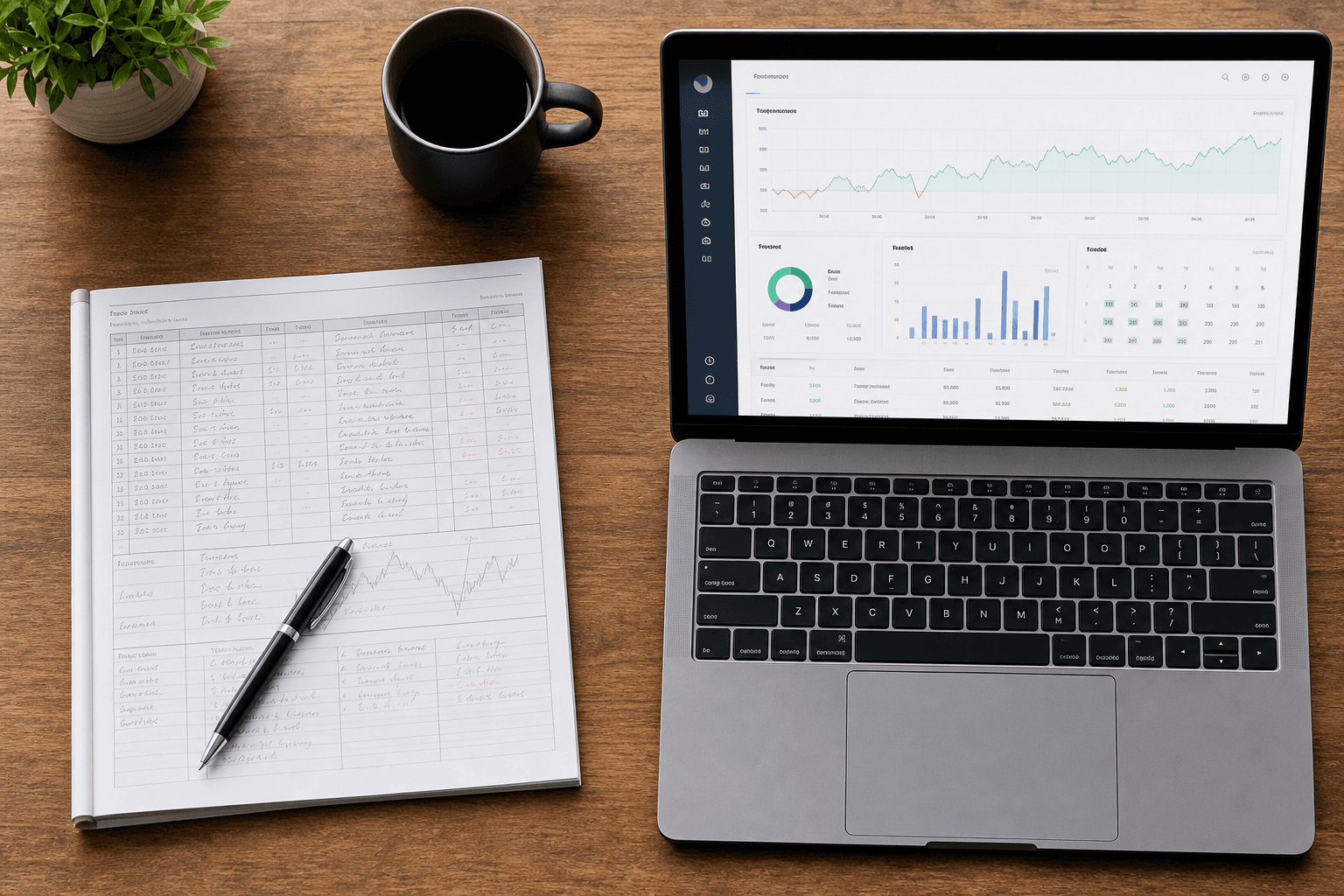
A trading journal PDF is usually a fixed table: date, ticker, entry, exit, P&L, notes. You print it or fill it in a PDF editor. It is free, offline, and good for building the habit of writing one line per trade. What it cannot do is sum open risk overnight, chart your equity curve, or filter last month’s losing breakout setups in one click.
- PDF / paper: zero setup, works offline, painful to analyze at scale
- Spreadsheet: flexible formulas, easy to break, no live open-position P&L
- Online trading journal app: automatic analytics, backups, filters, export
- Trading journal book: great for mindset chapters, not for sortable trade data
Free trading journal vs paid software
The best trading journal is the one you open every Sunday. Paid tools add broker sync and advanced stats; many swing traders never use half the menu. A free trading journal that includes dashboard KPIs, sector breakdowns, and CSV export often beats a $30/month subscription you abandon after month two. SwingTradingLog is trading journal free for full access: no credit card, no trial that expires.
Stock trading journal and day trading journal
A stock trading journal should separate active positions from closed trades, record stops and targets at entry, and support tags for setup type. Day trading journal users need the same fields plus fast repeat entry for multiple sessions per week. Whether you swing or scalp, one online trading journal avoids maintaining separate PDF files per month.
| Format | Best for | Limitation |
|---|---|---|
| Trading journal PDF | First 10–20 trades, printing | No filters, charts, or live quotes |
| Trading journal book | Mindset and process reading | Not a database for hundreds of trades |
| Trading journal app | Ongoing review and analytics | Requires sign-up (free on SwingTradingLog) |
Export when you still want a PDF
You do not have to choose forever. Log trades in SwingTradingLog, then export CSV from Settings → Data and open it in Excel or Google Sheets. Print or save as PDF for tax records, mentors, or offline review. The trading journal app stays the live system; the PDF becomes a snapshot.
Journal de trading and international traders
French-speaking traders often search journal de trading for the same workflow: log trades, review performance, control risk. SwingTradingLog is English-first but supports INR, USD, EUR, GBP, and CAD display, NSE and US session logic, and multi-asset classes. The interface language is English; currency and market hours adapt to your book.
Start with a free online trading journal
If you have outgrown a trading journal PDF template, sign up for SwingTradingLog: log a trade in under two minutes, attach chart screenshots, review dashboard analytics, and export whenever you need a spreadsheet. It is the best trading journal free tier we could build for swing and stock traders who want structure without subscription fatigue.
Ready to log your swings? Start free on SwingTradingLog, or explore trading guides and the risk calculator.